

Close Menu
TheWireHubTheWireHub

    Subscribe to Updates

    Get the latest creative news from FooBar about art, design and business.

    What's Hot

    How VA loans help veterans win home bidding wars

    August 1, 2026

    Coinbase CEO Brian Armstrong Says Crypto Firms Should Stop Pivoting to AI. Here’s Why He’s Wrong.

    August 1, 2026

    Zinwa Q27 smartphone with BlackBerry-style design now available for pre-order

    August 1, 2026
    Facebook X (Twitter) Instagram
    Trending
    • How VA loans help veterans win home bidding wars
    • Coinbase CEO Brian Armstrong Says Crypto Firms Should Stop Pivoting to AI. Here’s Why He’s Wrong.
    • Zinwa Q27 smartphone with BlackBerry-style design now available for pre-order
    • Best Commission-Free Stock Trading Apps of 2026
    • Intuit and College Board Partner to Bring Free Financial Tools and Resources to High School Classrooms Through New AP® Business with Personal Finance Course
    • Why Technical SEO Still Matters for Growing Websites
    • Why Technical SEO Still Matters for Growing Websites
    • AI Tool of the Week: this Replit tool turns ideas into working apps
    TheWireHubTheWireHub
    Facebook X (Twitter) Instagram
    • Home
    • Tech News
    • Personal Finance
    • Investments
    • Software & Apps
    • Cryptocurrency & Blockchain
    • More
      • AI & Future Tech
      • Gadgets & Devices
      • Banking & Insurance
    TheWireHubTheWireHub
    Home»Gadgets & Devices»Is It Bad to Just Close Your Laptop Instead of Turning It Off?
    Gadgets & Devices

    Is It Bad to Just Close Your Laptop Instead of Turning It Off?

    TheWireHub.netBy TheWireHub.netFebruary 2, 2026No Comments7 Views
    Facebook Twitter Pinterest LinkedIn WhatsApp Reddit Tumblr Email
    Is It Bad to Just Close Your Laptop Instead of Turning It Off?
    Share
    Facebook Twitter LinkedIn Pinterest Email
    Thank you for the notice, bro. I’ll fix it as soon as possible and get back to you shortly.

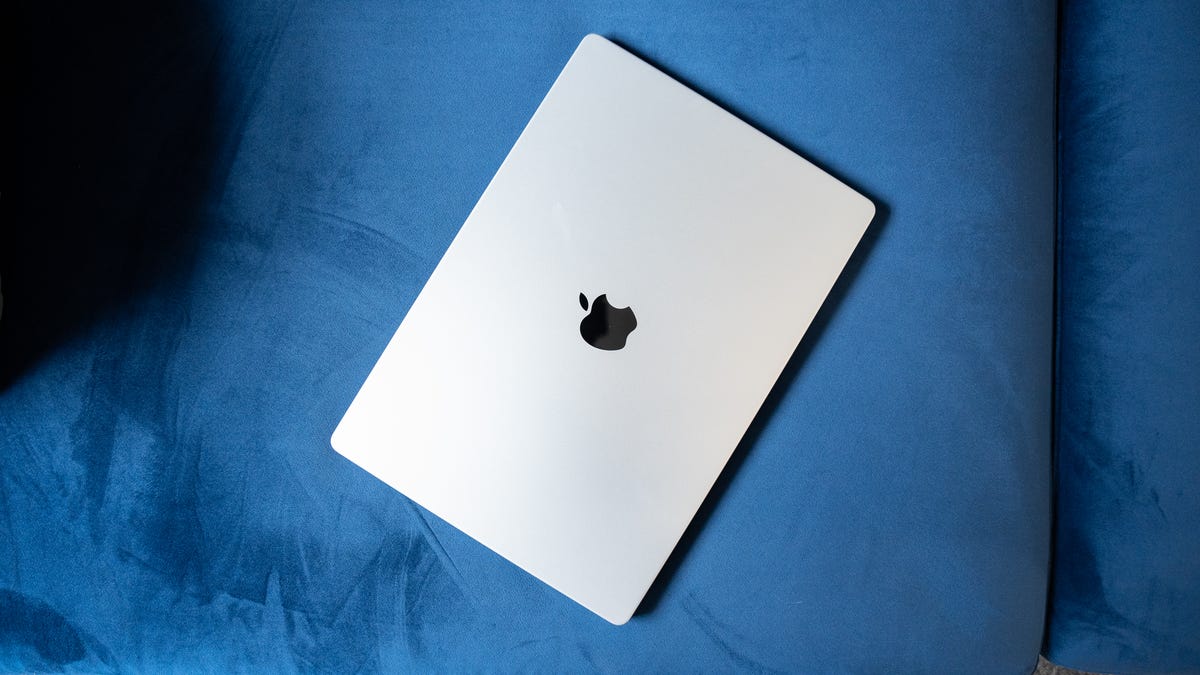
    Most of us do it without thinking: You’re done working and so you close your laptop and walk away. No shut down — just snap the lid shut and move on.

    But is that actually OK, or is it quietly hurting your laptop over time?

    Like a lot of tech myths, the answer isn’t a simple “yes” or “no.” Closing your laptop usually isn’t bad, but there are situations where you should turn it off, or at least restart it.

    Don’t miss: 10 Simple Ways to Improve Your MacBook’s Battery Life

    What actually happens when you close your laptop

    When you close your laptop lid, most modern computers automatically enter sleep mode. In sleep mode, your laptop pauses most activity, keeps your open apps, leaves your files in memory and uses a small amount of power to stay ready. That’s why it wakes up almost instantly when you reopen it.

    This is obviously very different from shutting down, which fully stops all processes, clears memory and powers the system off completely.

    Sleep mode is designed for convenience, not long-term rest. And most of the time, it works exactly as intended. Just make sure your display settings aren’t set to “never” for turning off the screen or sleeping, or your laptop will continue running even when closed.

    On a MacBook, you can check this under the Battery and Lock Screen options in System Settings. For Windows laptops, look in System settings under Screen, sleep and hibernate and Lid and power button controls. 

    When closing your laptop is totally fine

    For everyday use, closing your laptop is usually harmless, especially if you’re opening it again within a few hours or even a day.

    Sleep mode is ideal when:

    • You’re stepping away briefly
    • You want to pick up right where you left off
    • You’re moving between meetings or locations
    • Your laptop is plugged in or has plenty of battery

    Modern laptops, especially newer MacBooks and Windows PCs, are optimized for sleep mode. They manage power efficiently, pause background activity and handle short idle periods without issue.

    If your laptop feels fast and nothing seems off, there’s usually no reason to worry.

    When sleep mode can cause problems

    That said, relying only on closing your laptop and never shutting it down can create issues over time. Sleep mode doesn’t fully reset your system. Apps stay loaded, background processes continue to run and small software glitches can pile up.

    You may notice the following if you only ever put your computer to sleep:

    • Slower performance after days or weeks without a restart
    • Apps freezing or behaving oddly
    • Battery drain while the laptop is “asleep”
    • Missed system or security updates
    • Fans spinning or heat buildup inside a closed bag

    This is especially common if you run heavy apps — Photoshop, Steam or your web browser with dozens of open tabs — or connect external devices.

    Sleep mode also isn’t ideal if you’re packing your laptop into a backpack for hours. Some laptops wake unexpectedly, which can lead to heat buildup and battery loss.

    Check out: Best Budget Laptops I’ve Tested: Cheap Computers for Every Use

    Why restarting or shutting down helps

    Turning your laptop off, or at least restarting it, clears memory, stops stuck processes and gives the operating system a clean slate. It’s one of the simplest ways to fix minor issues and keep things running smoothly.

    You should always restart your laptop when your laptop feels sluggish, apps won’t close properly, updates are pending or you’ve simply gone days (or weeks) without a reboot. Now, it’s not a guarantee that shutting down your computer will fix any or all of these issues, especially if it’s a bigger problem (low RAM, high CPU usage, nearly full hard drive), but it’s still worth doing, because a lot of the time, it does help.

    You don’t need to shut down every night, but restarting occasionally is still good digital hygiene.

    So… what should you actually do?

    Here’s the practical middle ground most experts recommend:

    • Close your laptop for short breaks or daily use
    • Restart it every few days or at least once a week
    • Shut it down if you won’t use it for a while or you’re traveling
    • Power it off if it’s acting weird, before trying anything else

    No, it’s not bad to close your laptop instead of turning it off — most of the time. But sleep mode isn’t a substitute for restarting or shutting down your computer. Think of sleep mode like leaving your car parked with the engine idling. It’s fine for short stops, but you wouldn’t want to leave it that way indefinitely.

    Bad Close Laptop Turning
    Share. Facebook Twitter Pinterest LinkedIn Tumblr Telegram Email
    TheWireHub.net
    • Website

    Related Posts

    Zinwa Q27 smartphone with BlackBerry-style design now available for pre-order

    August 1, 2026

    The college tech gadgets I wish someone had told me to buy

    July 31, 2026

    Structural barriers limit use of wearable technology in medicine

    July 30, 2026
    Leave A Reply Cancel Reply

    Top Posts

    What the Tech? App of the year: Focus Friend | What The Tech?

    February 1, 2026282

    SEALSQ Secures Patent for Breakthrough “Back-to-Physical” NFT Technology

    June 25, 2026202

    I found 2 Prime Day budget laptop deals that make sense for students, work, and everyday use

    June 25, 2026202

    Will New Regional Bank Wins and Hosted Platforms Shift Jack Henry & Associates’ (JKHY) Investment Narrative?

    June 25, 2026165
    Don't Miss
    Banking & Insurance

    How VA loans help veterans win home bidding wars

    By TheWireHub.netAugust 1, 20260

    July 30, 2026Updated July 31, 2026, 3:47 p.m. ETVA loans can help veterans compete in…

    Coinbase CEO Brian Armstrong Says Crypto Firms Should Stop Pivoting to AI. Here’s Why He’s Wrong.

    August 1, 2026

    Zinwa Q27 smartphone with BlackBerry-style design now available for pre-order

    August 1, 2026

    Best Commission-Free Stock Trading Apps of 2026

    August 1, 2026
    Stay In Touch
    • Facebook
    • Twitter
    • Pinterest
    • Instagram
    • YouTube
    • Vimeo

    Subscribe to Updates

    Get the latest creative news from SmartMag about art & design.

    About Us

    Welcome to TheWireHub, your trusted source for the latest insights, trends, and updates in finance and technology. We created TheWireHub with one mission: to make complex financial topics and fast-moving technology news simple, clear, and accessible for everyone.

    Facebook X (Twitter) Instagram
    Our Picks

    How VA loans help veterans win home bidding wars

    August 1, 2026

    Coinbase CEO Brian Armstrong Says Crypto Firms Should Stop Pivoting to AI. Here’s Why He’s Wrong.

    August 1, 2026

    Zinwa Q27 smartphone with BlackBerry-style design now available for pre-order

    August 1, 2026
    Categories
    • AI & Future Tech
    • Banking & Insurance
    • Best online casino
    • best-online-casinos-ireland.co.com
    • casinon-utan-licens.org
    • Cryptocurrency & Blockchain
    • Curacao license casinos – curacaocasino.eu.com
    • Gadgets & Devices
    • Investments
    • ireland-online-casinos.co.com
    • Irish online casinos
    • no-kyc-casinos.eu.com
    • Online gambling
    • Personal Finance
    • ploughduloe.co.uk
    • Software & Apps
    • Tech News
    • Uncategorized
    • wolfieshove.co.uk
    © 2025 TheWireHub. All Rights Reserved.
    • Terms & Conditions
    • Privacy Policy
    • Contact Us
    • About Us

    Type above and press Enter to search. Press Esc to cancel.