

Close Menu
TheWireHubTheWireHub

    Subscribe to Updates

    Get the latest creative news from FooBar about art, design and business.

    What's Hot

    The Real Reason AI Investments Fail To Transform The Business

    July 31, 2026

    Your Mid-Year And Year-End Financial Planning Checklist For 2026

    July 31, 2026

    Why Technical SEO Still Matters for Growing Websites

    July 31, 2026
    Facebook X (Twitter) Instagram
    Trending
    • The Real Reason AI Investments Fail To Transform The Business
    • Your Mid-Year And Year-End Financial Planning Checklist For 2026
    • Why Technical SEO Still Matters for Growing Websites
    • Apple iOS 26.6 New iPhone Software: Should You Upgrade?
    • Barrows Connected Store Elevates Technology Leadership with Tim Bagwell as CTO
    • Inside Goodwood’s Future Lab, Where Tomorrow’s Technologies Become Tangible
    • Why Technical SEO Still Matters for Growing Websites
    • India’s Fintech Boom: The Next Trillion-Dollar Opportunity
    TheWireHubTheWireHub
    Facebook X (Twitter) Instagram
    • Home
    • Tech News
    • Personal Finance
    • Investments
    • Software & Apps
    • Cryptocurrency & Blockchain
    • More
      • AI & Future Tech
      • Gadgets & Devices
      • Banking & Insurance
    TheWireHubTheWireHub
    Home»Software & Apps»iPhone 5s Gets New Software Update 13 Years After Launch
    Software & Apps

    iPhone 5s Gets New Software Update 13 Years After Launch

    TheWireHub.netBy TheWireHub.netJanuary 31, 2026No Comments6 Views
    Facebook Twitter Pinterest LinkedIn WhatsApp Reddit Tumblr Email
    iPhone 5s Gets New Software Update 13 Years After Launch
    Share
    Facebook Twitter LinkedIn Pinterest Email
    Thank you for the notice, bro. I’ll fix it as soon as possible and get back to you shortly.

    Alongside iOS 26.2.1, Apple today released an updated version of iOS 12 for devices that are still running that operating system update, eight years after the software was first released.
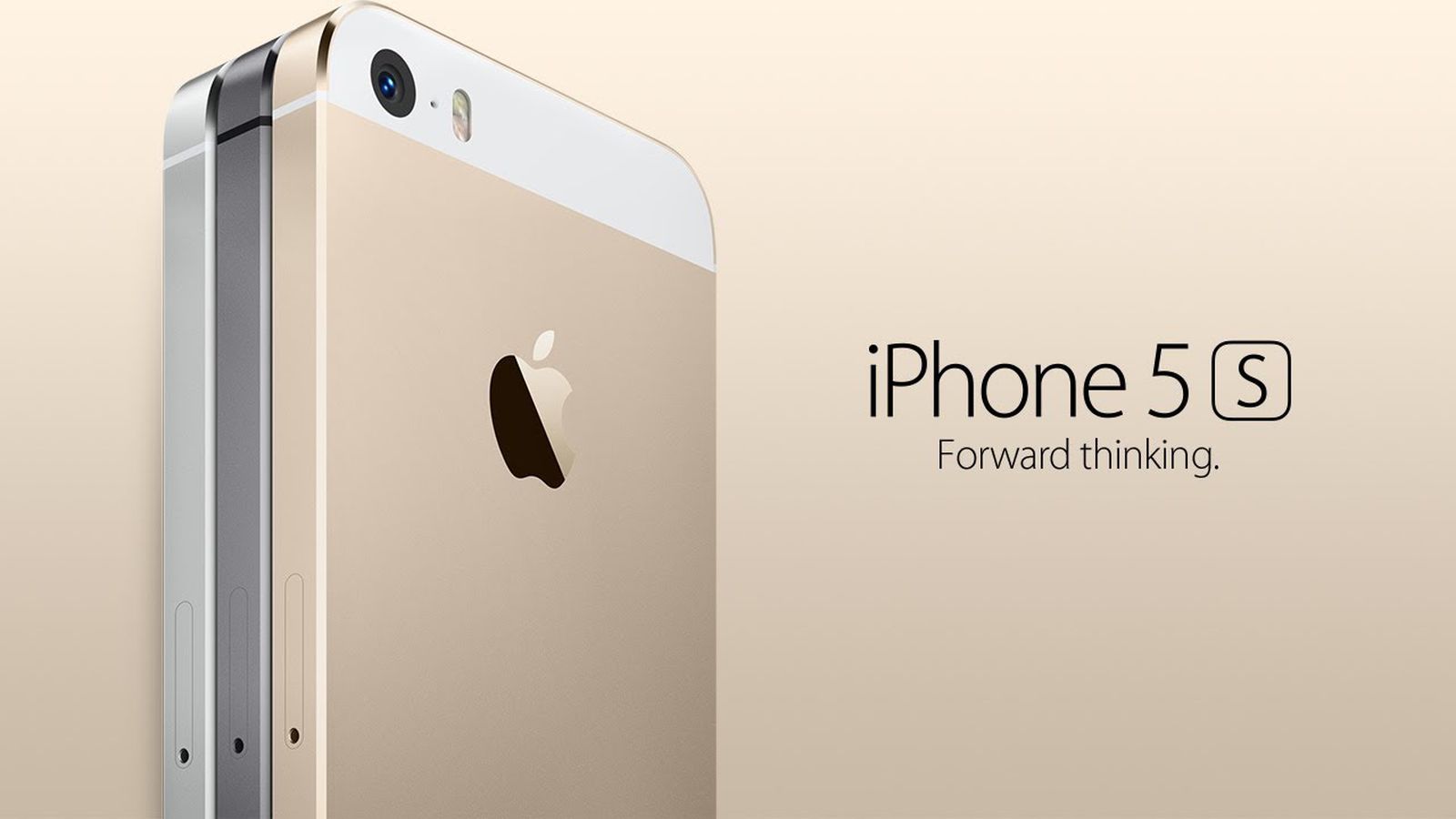
    iPhone 5s
    iOS 12.5.8 is available for the iPhone 5s and the ‌iPhone‌ 6, meaning Apple is continuing to support these devices for 13 and 12 years after launch, respectively. The ‌iPhone‌ 5s came out in September 2013, while the ‌iPhone‌ 6 launched in September 2014.

    According to Apple’s release notes for the update, iOS 12.5.8 extends the certificate required for features like iMessage, FaceTime, and device activation, so they will continue to work after January 2027.

    Originally, certificate-limited functions like device activation would have ceased when the certificate expired, but now key features on the two older iPhones will continue to work in the years to come.

    Prior to now, the ‌iPhone‌ 5s and ‌iPhone‌ 6 last received software updates in January 2023, when Apple released important security fixes.

    Apple has publicly committed to providing a minimum of five years of security updates for an ‌iPhone‌ from the time that it launches, but it often offers vulnerability fixes for an even longer period of time.

    The ‌iPhone‌ 6s, for example, was released 11 years ago, but it received a security update in September 2025 with the launch of iOS 15.8.5. The device received an iOS 15.8.6 update just today, adding the same certificate extension.

    Apple also released new versions of iOS 18 and iOS 16.

    iPhone Launch software Update years
    Share. Facebook Twitter Pinterest LinkedIn Tumblr Telegram Email
    TheWireHub.net
    • Website

    Related Posts

    Apple iOS 26.6 New iPhone Software: Should You Upgrade?

    July 31, 2026

    Lovable Launches Vibe Coding App That Can Build Apps with AI

    July 30, 2026

    Why Are Car Software Updates Still So Bad?

    July 29, 2026
    Leave A Reply Cancel Reply

    Top Posts

    What the Tech? App of the year: Focus Friend | What The Tech?

    February 1, 2026282

    SEALSQ Secures Patent for Breakthrough “Back-to-Physical” NFT Technology

    June 25, 2026202

    I found 2 Prime Day budget laptop deals that make sense for students, work, and everyday use

    June 25, 2026202

    Will New Regional Bank Wins and Hosted Platforms Shift Jack Henry & Associates’ (JKHY) Investment Narrative?

    June 25, 2026165
    Don't Miss
    Investments

    The Real Reason AI Investments Fail To Transform The Business

    By TheWireHub.netJuly 31, 20260

    A rocket attempts to achieve escape velocity. Gravity pulls back hard, air creates heavy drag,…

    Your Mid-Year And Year-End Financial Planning Checklist For 2026

    July 31, 2026

    Why Technical SEO Still Matters for Growing Websites

    July 31, 2026

    Apple iOS 26.6 New iPhone Software: Should You Upgrade?

    July 31, 2026
    Stay In Touch
    • Facebook
    • Twitter
    • Pinterest
    • Instagram
    • YouTube
    • Vimeo

    Subscribe to Updates

    Get the latest creative news from SmartMag about art & design.

    About Us

    Welcome to TheWireHub, your trusted source for the latest insights, trends, and updates in finance and technology. We created TheWireHub with one mission: to make complex financial topics and fast-moving technology news simple, clear, and accessible for everyone.

    Facebook X (Twitter) Instagram
    Our Picks

    The Real Reason AI Investments Fail To Transform The Business

    July 31, 2026

    Your Mid-Year And Year-End Financial Planning Checklist For 2026

    July 31, 2026

    Why Technical SEO Still Matters for Growing Websites

    July 31, 2026
    Categories
    • AI & Future Tech
    • Banking & Insurance
    • best-online-casinos-ireland.co.com
    • casinon-utan-licens.org
    • Cryptocurrency & Blockchain
    • Curacao license casinos – curacaocasino.eu.com
    • Gadgets & Devices
    • Investments
    • ireland-online-casinos.co.com
    • Irish online casinos
    • no-kyc-casinos.eu.com
    • Online gambling
    • Personal Finance
    • ploughduloe.co.uk
    • Software & Apps
    • Tech News
    • Uncategorized
    • wolfieshove.co.uk
    © 2025 TheWireHub. All Rights Reserved.
    • Terms & Conditions
    • Privacy Policy
    • Contact Us
    • About Us

    Type above and press Enter to search. Press Esc to cancel.