


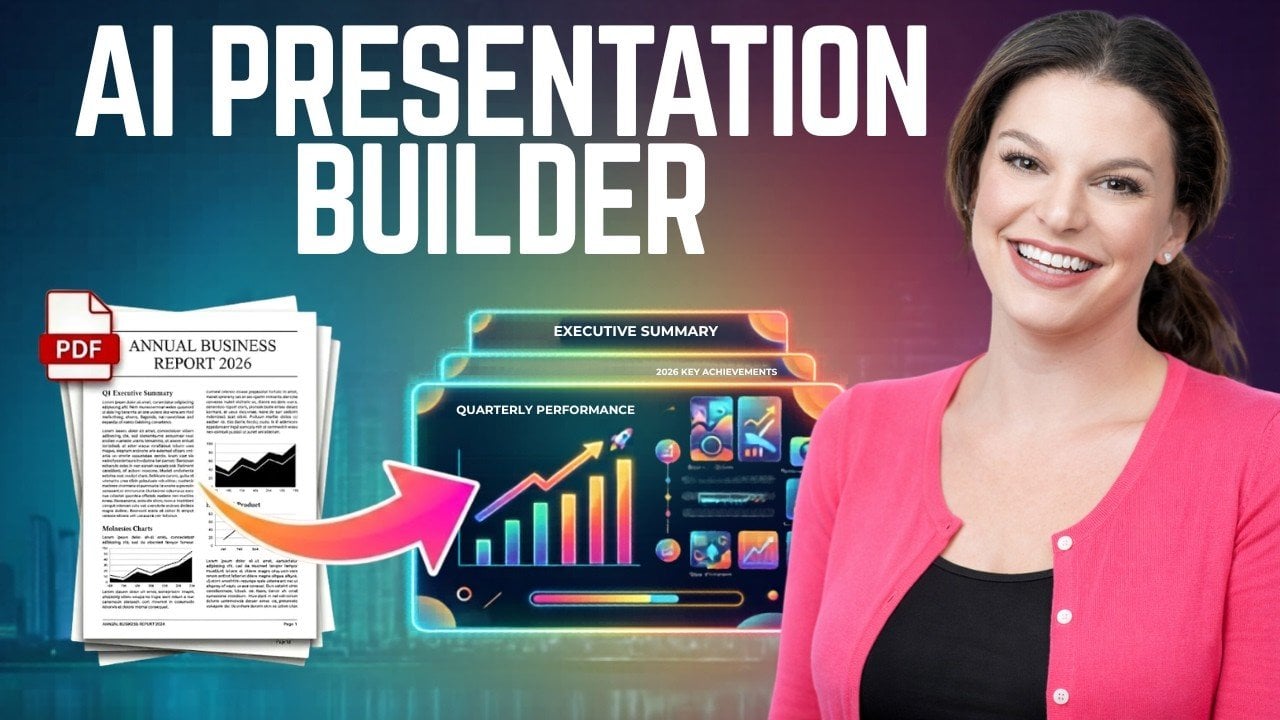
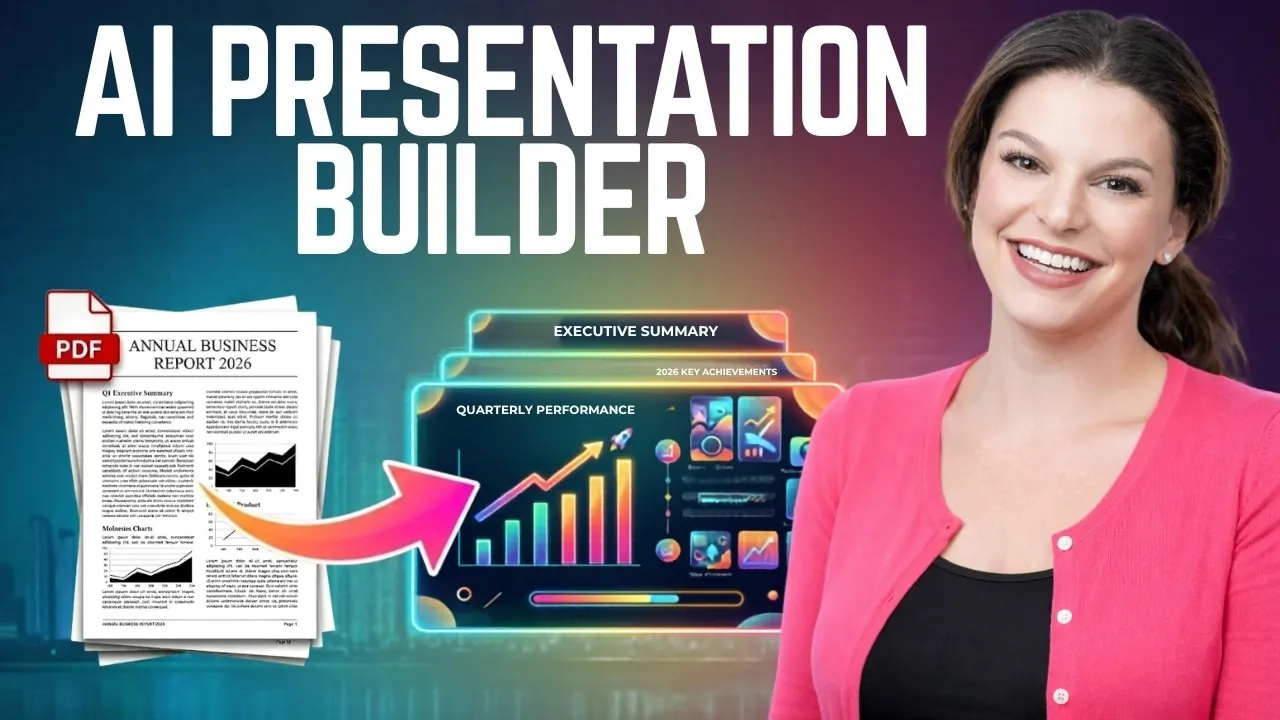
Beautiful AI 3.0 introduces a streamlined way to create presentations using artificial intelligence, as demonstrated by Kevin Stratvert. One notable feature is its document-to-presentation conversion, which extracts key points from uploaded files to automatically build a slide deck. This functionality is particularly beneficial for users working with detailed reports or proposals, as it reduces the time spent on manual formatting while maintaining a professional layout.
Explore how to use prompt-based creation to outline presentations that align with specific goals and audiences. Learn how to customize slides with templates, fonts and AI-generated visuals to suit your branding or style. Additionally, gain insight into advanced features like audience analytics and real-time collaboration for co-editing presentations efficiently.
Key Features of Beautiful AI 3.0
TL;DR Key Takeaways :
- Beautiful AI 3.0 simplifies presentation creation with features like document-to-presentation conversion, prompt-based generation and advanced customization, saving time and effort for professionals.
- Key features include AI-driven tools for extracting key points from documents, generating tailored outlines from prompts and offering extensive customization options for branding and style.
- Advanced functionalities such as Slide AI, animations and analytics enhance slide design, viewer engagement and provide actionable insights for content improvement.
- Collaboration tools enable secure sharing, real-time co-editing and streamlined teamwork, making it ideal for teams working on complex or time-sensitive projects.
- Beautiful AI 3.0 caters to diverse users, including business professionals, marketers, researchers and educators, offering efficiency and high-quality results across industries.
Beautiful AI 3.0 is equipped with a range of features designed to simplify and enhance the process of creating presentations. These features ensure that users can produce high-quality, engaging slides with minimal effort:
- Document-to-Presentation Conversion: Upload a document and the AI extracts key points to build a structured slide outline, saving time and effort.
- Prompt-Based Creation: Generate tailored presentations by providing a simple prompt about your goals, audience, or topic.
- Advanced Customization: Personalize slides with templates, fonts, colors and AI-generated visuals to match your style or brand.
- Collaboration Tools: Share and co-edit presentations securely with team members in real time, streamlining teamwork.
- Analytics and Insights: Track viewer engagement to refine your content and maximize its impact.
These features not only enhance productivity but also ensure that your presentations are professional, visually appealing and tailored to your audience.
Document-to-Presentation Conversion: Simplify the Basics
One of the most time-saving features of Beautiful AI 3.0 is its ability to transform documents into presentations. By scanning your uploaded document, the AI identifies key ideas and organizes them into a logical outline, which serves as the foundation for your slides. This eliminates the need for manual formatting and ensures that your presentation is both structured and professional.
For instance, if you upload a detailed business overview, the tool extracts essential points such as financial highlights, strategic goals and key recommendations. These are then arranged into a cohesive slide deck, allowing you to focus on refining the content rather than starting from scratch. This feature is particularly useful for professionals who need to convert complex data into digestible, visually appealing formats.
Below are more guides on AI presentations from our extensive range of articles.
Prompt-Based Creation: Start with a Simple Idea
For those who prefer starting from scratch, the prompt-based creation feature offers a quick and intuitive way to generate presentations. By entering a brief description of your presentation’s purpose, audience and goals, you can create a customized outline in seconds.
For example, a marketing manager might input, “Create a marketing strategy presentation for senior leadership.” The AI would then generate an outline with sections such as market analysis, campaign objectives and ROI projections. This draft can be further refined to align with your specific requirements, making sure that your presentation is both relevant and impactful. This feature is particularly beneficial for users who need to quickly develop ideas or structure their content.
Customization Options: Tailor Your Presentation
Beautiful AI 3.0 provides extensive customization options, allowing you to tailor your presentation to your specific needs. Users can choose from a variety of thematic templates, adjust text formatting and select visuals from multiple sources, including AI-generated images, stock libraries, or web-based options.
Additionally, you can manually tweak slide layouts, fonts and colors to match your brand or personal style. This flexibility ensures that your presentation reflects your vision while benefiting from the efficiency of AI-driven design. Whether you’re creating a corporate pitch or an academic presentation, these customization options allow you to maintain creative control while saving time.
Advanced Features: Elevate Your Slides
To make your presentations more engaging and effective, Beautiful AI 3.0 includes several advanced features that go beyond basic slide creation:
- Slide AI: Offers alternative layouts for optimal design and readability, making sure your slides are visually appealing.
- Animations: Automatically applies animations based on slide type, with options for further customization to enhance viewer engagement.
- Analytics: Tracks viewer engagement, providing insights into how long audiences spend on each slide and which sections resonate most.
For example, if analytics reveal that viewers spend more time on your market analysis slide, you can emphasize similar content in future presentations to maintain audience interest. These advanced features not only improve the quality of your slides but also provide actionable insights to refine your content.
Collaboration and Secure Sharing
Collaboration is a key aspect of Beautiful AI 3.0, making it easy for teams to work together on presentations. Users can share their presentations via secure links, allowing others to view or comment without the need to download files. Features like password protection, expiration dates and restricted access ensure that your content remains secure.
Moreover, team members can co-edit presentations in real time, eliminating the need for multiple file versions and streamlining the review process. This functionality is particularly useful for teams working on complex projects or tight deadlines, as it ensures that everyone stays aligned and productive.
Who Can Benefit from Beautiful AI 3.0?
Beautiful AI 3.0 is a versatile tool that caters to a wide range of professional needs. Here are some examples of how different users can benefit:
- Business Professionals: Create polished proposals, sales pitches, or internal updates with ease.
- Marketers: Develop strategic plans, campaign presentations, or client reports that stand out.
- Researchers: Summarize findings into visually appealing decks for conferences or stakeholder meetings.
- Educators: Design engaging lesson plans or academic presentations to captivate students.
No matter your role or industry, Beautiful AI 3.0 adapts to your needs, helping you communicate your ideas effectively and efficiently.
Efficiency and Time Savings
The primary advantage of Beautiful AI 3.0 lies in its ability to save time. By automating tasks such as writing, formatting and designing, it allows users to focus on the content and delivery of their presentations. Its intuitive interface ensures that even individuals with minimal design experience can create professional-quality slides quickly.
This efficiency is particularly valuable for professionals who need to produce high-quality presentations under tight deadlines. By streamlining the creation process, Beautiful AI 3.0 enables users to allocate more time to refining their message and engaging with their audience.
A Smarter Way to Present
Beautiful AI 3.0 redefines the way presentations are created, combining AI-driven automation with robust customization options. Whether you’re crafting a business proposal, marketing strategy, or research summary, this tool streamlines the process while maintaining high-quality results. With its advanced features, collaboration tools and time-saving capabilities, Beautiful AI 3.0 enables you to deliver impactful presentations with confidence and ease.
Media Credit: Kevin Stratvert
Disclosure: Some of our articles include affiliate links. If you buy something through one of these links, Geeky Gadgets may earn an affiliate commission. Learn about our Disclosure Policy.
