


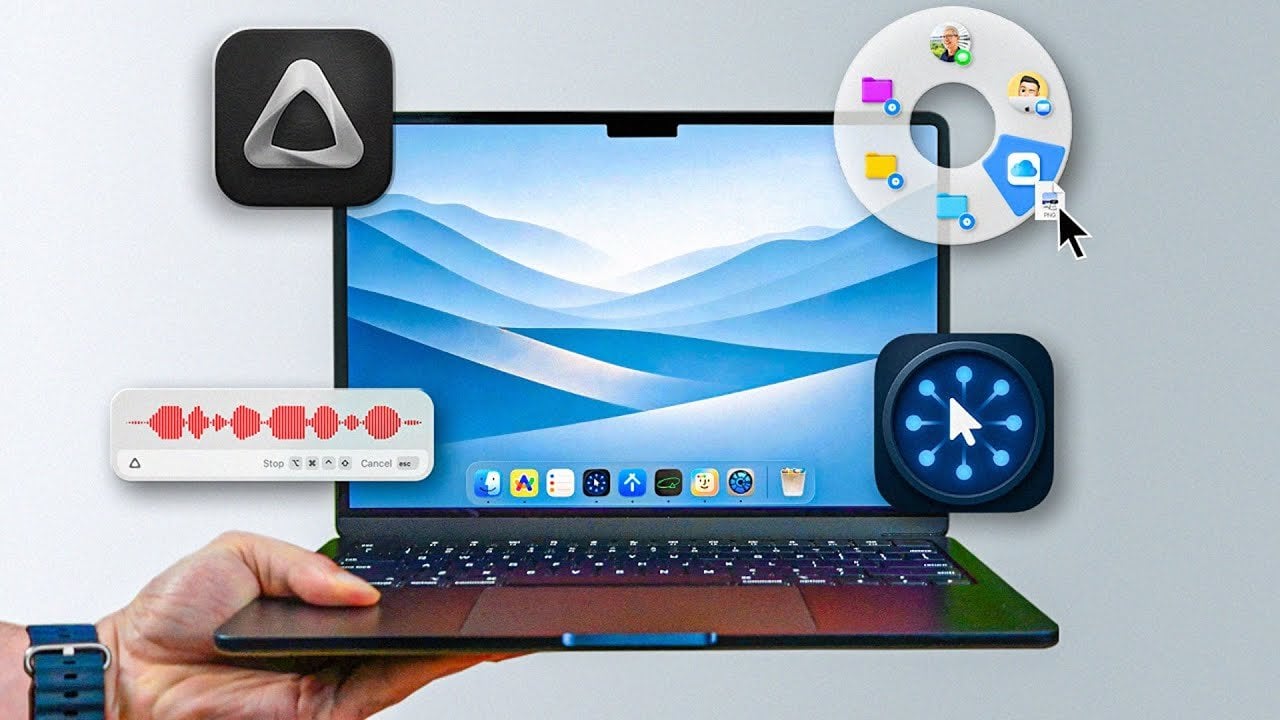
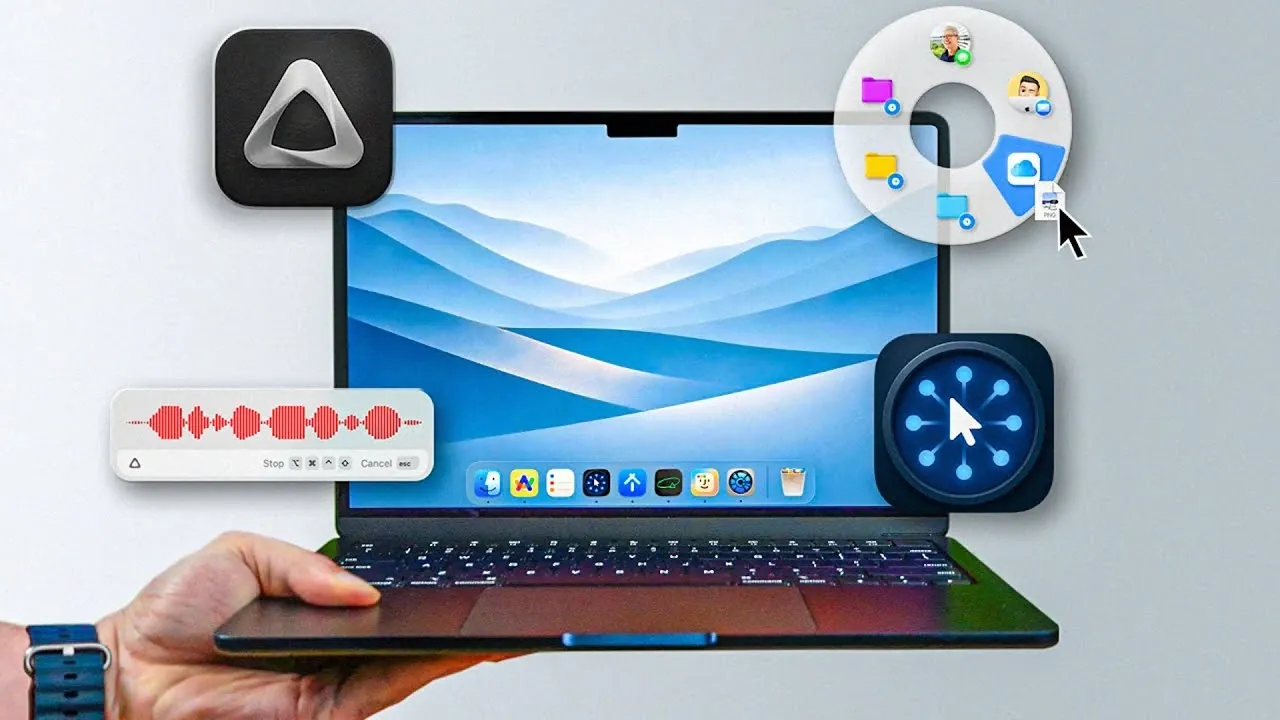
What if you’ve been missing out on apps that could completely transform how you use your Mac? In this guide, Sergio explains how a carefully curated selection of macOS apps can transform your productivity, creativity, and overall experience in 2026. Whether you’re juggling endless files, brainstorming big ideas, or simply trying to keep your system running smoothly, these apps are designed to tackle modern challenges with ease. Imagine effortlessly managing your digital life, reclaiming hours of lost time, and unlocking features you didn’t even know your Mac was capable of. It’s not just about convenience, it’s about redefining what’s possible with the right software.
This breakdown highlights 11 standout apps that cater to everything from streamlining file management to harnessing the power of AI for smarter workflows. You’ll discover innovative ways to organize your workspace, boost your system’s performance, and even elevate how you interact with your ideas. Each app brings something unique to the table, and some might just become your new favorites. Whether you’re a seasoned macOS user or someone looking to optimize their setup, this overview offers insights that could change the way you approach your daily tasks. So, what’s the one app you’ll wish you had started using sooner?
Essential Mac Apps 2026
TL;DR Key Takeaways :
- The macOS app ecosystem in 2026 offers a wide range of tools to enhance productivity, including file management, note-taking, system optimization, AI-powered utilities, and everyday task simplification.
- Key file management apps like Outpost and Blip streamline file organization and sharing, improving workflow efficiency.
- AI-powered tools such as Cot Typist and Super Whisper enhance productivity with features like adaptive autocomplete and accurate speech-to-text transcription.
- System enhancement apps like Supercharge, Daisy Disk, and Dock Door allow users to customize macOS, optimize storage, and improve multitasking capabilities.
- Utility tools like Corners, USB Menu Bar, Folder Preview, and Hidden Bar simplify navigation, device management, and workspace organization for a more efficient user experience.
File Management: Organize and Share with Ease
Effective file management is a cornerstone of productivity, and the right tools can make a significant difference. Two standout apps in this category—Outpost and Blip—are designed to simplify how you organize and share files, making sure a seamless workflow.
- Outpost: This app offers a streamlined approach to file organization with customizable shortcuts for tasks like renaming, moving, and sharing files. Fully integrated with Finder, Outpost ensures your workspace remains tidy and easily accessible, saving you time and effort.
- Blip: Sharing files across platforms has never been easier. Blip allows you to transfer files quickly and securely, without size restrictions. Whether collaborating with colleagues or syncing devices, Blip ensures reliable and efficient file sharing.
Note-Taking and Organization: Capture and Connect Ideas
Managing ideas and information effectively starts with the right note-taking tools. Apps like Antnote and Recall provide innovative features that help you capture, organize, and retrieve your thoughts with ease.
- Antnote: A versatile scratchpad that supports advanced features such as paste mode and math mode. Antnote integrates seamlessly with Apple Notes and Obsidian, making it an excellent choice for both quick notes and detailed documentation.
- Recall: This app helps you build a personal knowledge base by linking related ideas and organizing saved content. With Recall, you can easily retrieve and interact with your information, making it an invaluable tool for research and brainstorming.
Mac Apps You Might Regret Not Using Sooner
Here are more detailed guides and articles that you may find helpful on Mac Apps.
System Enhancements: Customize and Optimize macOS
To get the most out of macOS, fine-tuning your system is essential. Apps like Supercharge, Daisy Disk, and Dock Door provide powerful tools to enhance your workflow and improve system performance.
- Supercharge: Unlock over 100 macOS tweaks to customize your experience. From improved app switching to Mission Control upgrades, Supercharge also automates app installations, saving you time and effort.
- Daisy Disk: Visualize your disk usage with an interactive interface that identifies large files and hidden data. Daisy Disk makes it easy to reclaim valuable storage space and keep your system running smoothly.
- Dock Door: Add Windows-style window previews to macOS, allowing you to manage open applications more effectively. Dock Door simplifies multitasking and improves overall efficiency.
AI and Automation: Boost Productivity with Smart Tools
Artificial intelligence is transforming productivity, and macOS users can benefit from apps like Cot Typist and Super Whisper, which use AI to save time and improve accuracy.
- Cot Typist: This local AI-powered autocomplete tool adapts to your writing style, making typing faster and more intuitive. Cot Typist works seamlessly across all apps, enhancing your writing experience.
- Super Whisper: Achieve near-perfect speech-to-text transcription with Super Whisper. Whether you’re dictating notes, transcribing meetings, or capturing lectures, this app ensures accuracy and ease of use.
Utility Tools: Simplify Everyday Tasks
Utility apps are indispensable for handling small but essential tasks efficiently. These four tools can significantly enhance your macOS experience by addressing common challenges.
- Corners: Expand the functionality of macOS hot corners with customizable actions. Assign shortcuts, launch apps, or trigger specific workflows effortlessly, making navigation more intuitive.
- USB Menu Bar: Manage connected USB devices directly from the menu bar. View device speeds, monitor usage, and disconnect peripherals with a single click for added convenience.
- Folder Preview: Save time by previewing folder and zip file contents directly in Finder. This feature eliminates unnecessary clicks, helping you locate files faster.
- Hidden Bar: Keep your menu bar organized by hiding unnecessary items. A cleaner interface reduces distractions and promotes a more focused workspace.
Honorable Mentions: Additional Tools Worth Exploring
Beyond the core apps listed above, these two honorable mentions stand out for their versatility and ability to enhance your macOS experience.
- Launch OS: Designed to bring back the familiar Launchpad feature removed in macOS 26, Launch OS provides a streamlined way to access your applications quickly and efficiently.
- Raycast: This all-in-one productivity tool combines app launching, task management, and workflow automation in a single, intuitive interface. Raycast is a powerful addition to any macOS setup.
Media Credit: FromSergio
Latest Geeky Gadgets Deals
Disclosure: Some of our articles include affiliate links. If you buy something through one of these links, Geeky Gadgets may earn an affiliate commission. Learn about our Disclosure Policy.
