



Some back-to-school purchases are no-brainers, like a new laptop or Chromebook. But other helpful products aren’t always as obvious. They can seem purely optional—stuff to buy when you have money to burn.
But don’t brush off the various tech gadgets and accessories out there, especially if you’re often zigzagging across a college campus. Add in part-time work and the demands of a social life, and the right gear can help you keep your sanity and stay on track.
Here are over a dozen affordable tech gadgets now available that I wish I had in school. They would’ve made life a lot easier!
Adjustable laptop stand
Tonmom
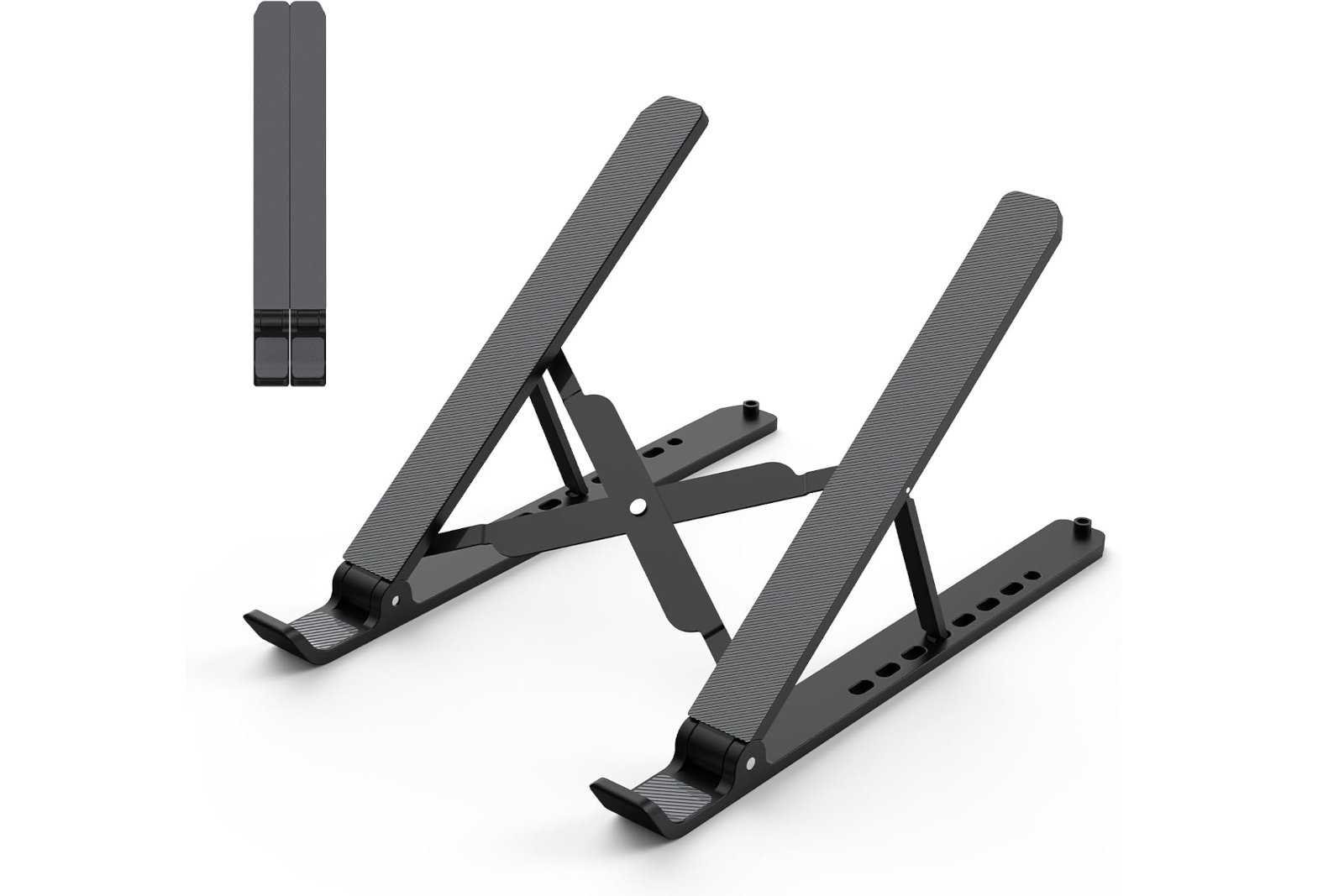
An adjustable laptop stand both frees up desk space and improves the ergonomics of your setup. You want your laptop screen at a height that prevents hunching or bad posture, especially if you often have long study and homework sessions. It also makes a dual-screen setup with a separate monitor less awkward. Fortunately, laptop stands aren’t expensive, and you can even pick up this ultra-compact option that travels well. Take it from me, an old person: Take care of your body now or it’ll punish you for mistreatment later.
Bluetooth keyboard
Michael Crider/IDG
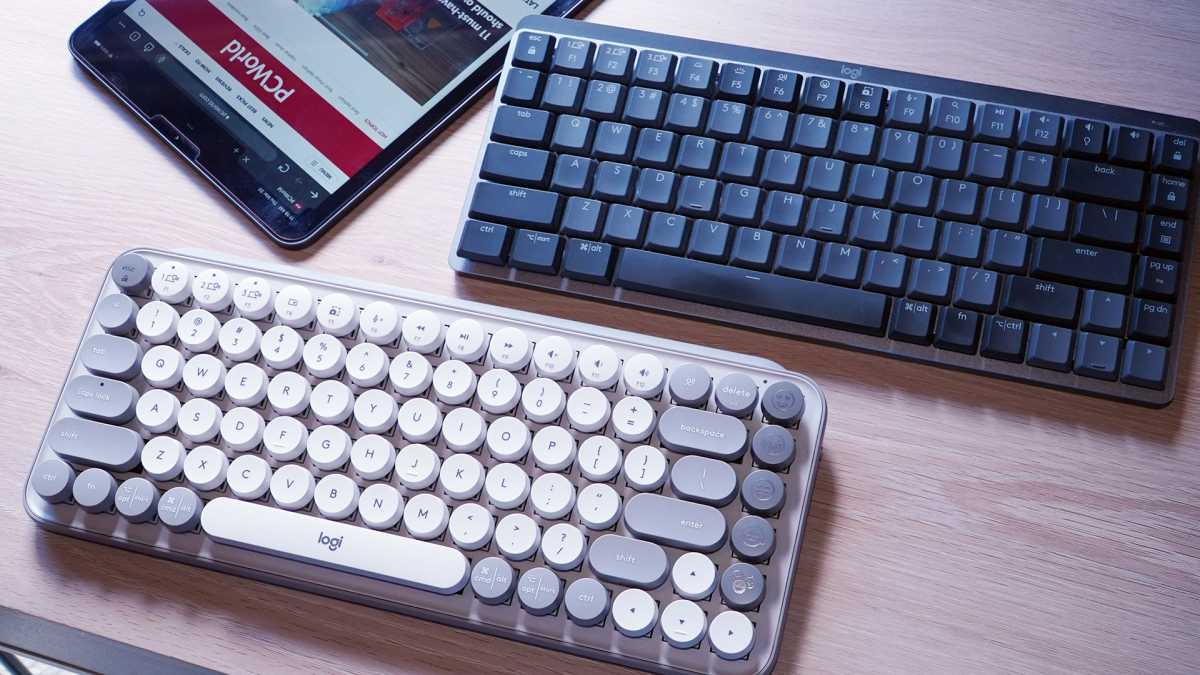
A small room can feel even more cramped if your desk is covered in cable clutter. A Bluetooth wireless keyboard with multi-device support will streamline your desk setup, letting you switch quickly between a laptop, tablet, and phone—and also allows you to take it on the road with you for better ergonomics and comfort. A good lightweight option like the Logitech MX Keys Mini travels well. If you’re not on the go often, a mechanical keyboard will feel better during long typing and gaming sessions. (See our picks for the best mechanical keyboards.)
Portable monitor
KYY
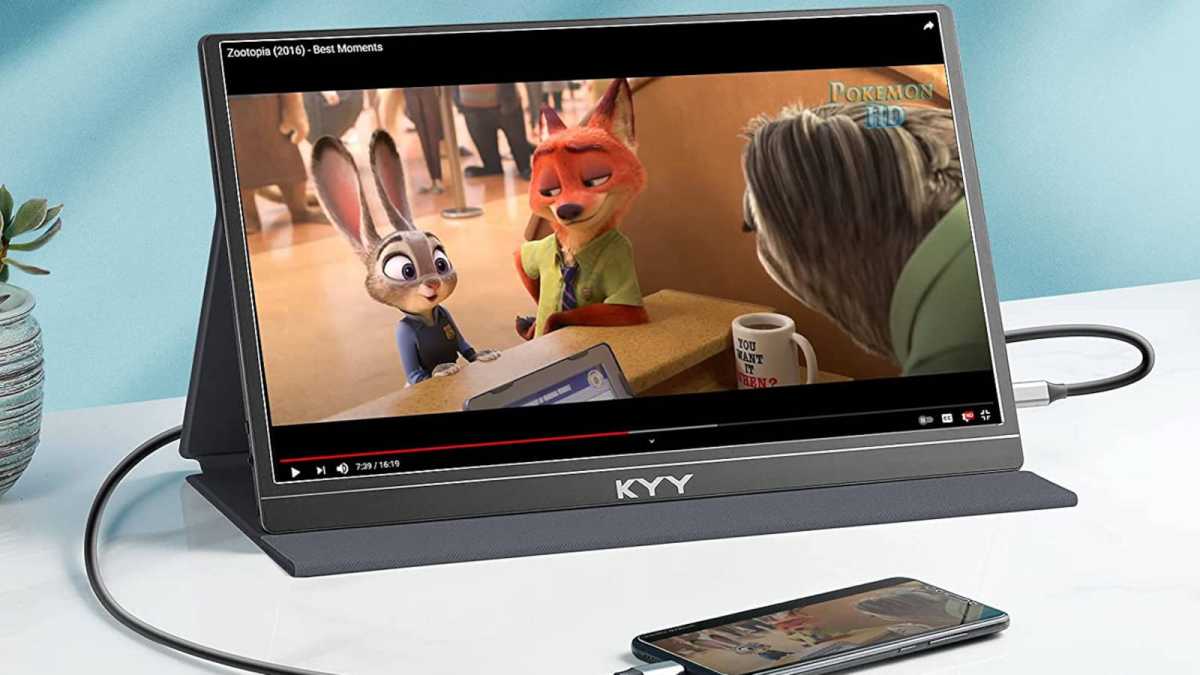
If you’re often away from your dorm or apartment, a good travel setup for your laptop will make the hours spent on it more comfortable and more productive. In addition to a laptop stand and a lightweight wireless keyboard, a portable monitor’s extra screen real estate lets you easily juggle different tabs or apps. And the good news is that they don’t cost much nowadays—one of the most popular models is just $70 and can sometimes be found on sale for less. For an even slicker setup, consider picking up a good portable stand for that monitor, too.
Tablet
Dominik Tomaszewski / Foundry
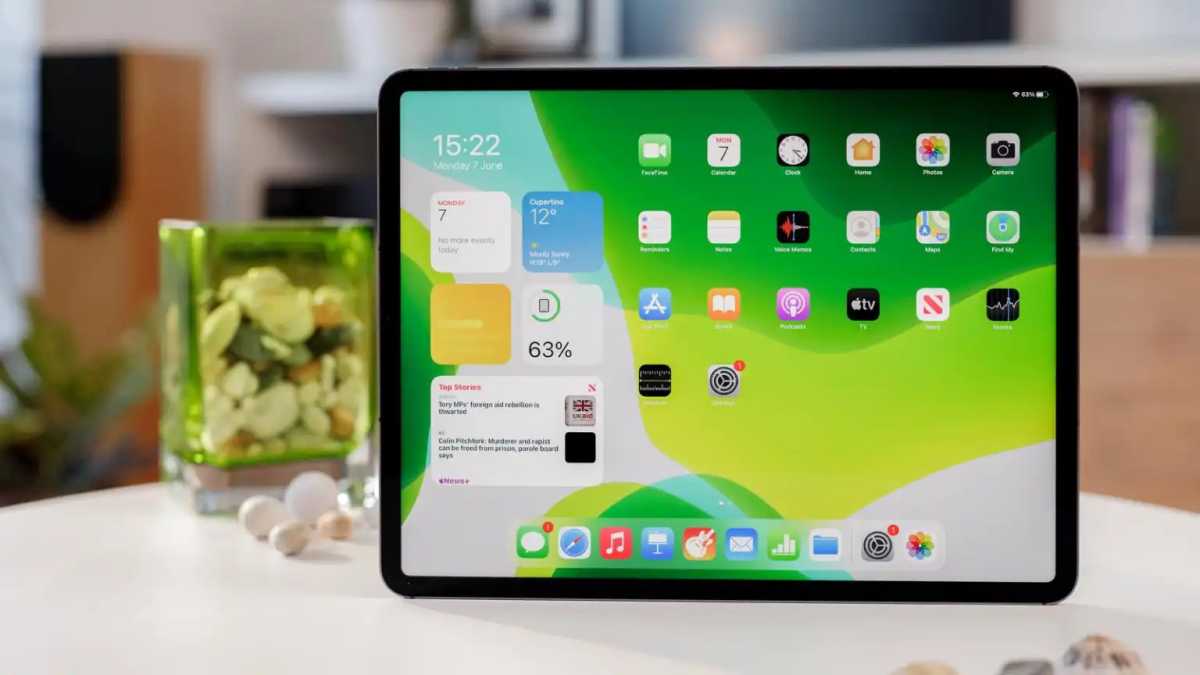
A tablet can fill many roles, like as a second screen for your PC, a digital notepad for class lectures, or a comfortable way to read textbooks. It’s a great complement to a PC, especially if you have a desktop computer. The Apple iPad is a perennial favorite for multitasking, as is Samsung’s rival Galaxy Tab S line, but you can also opt for a color Android E-Ink tablet for less eye strain if you primarily use it for reading.
Bluetooth tracker
Apple
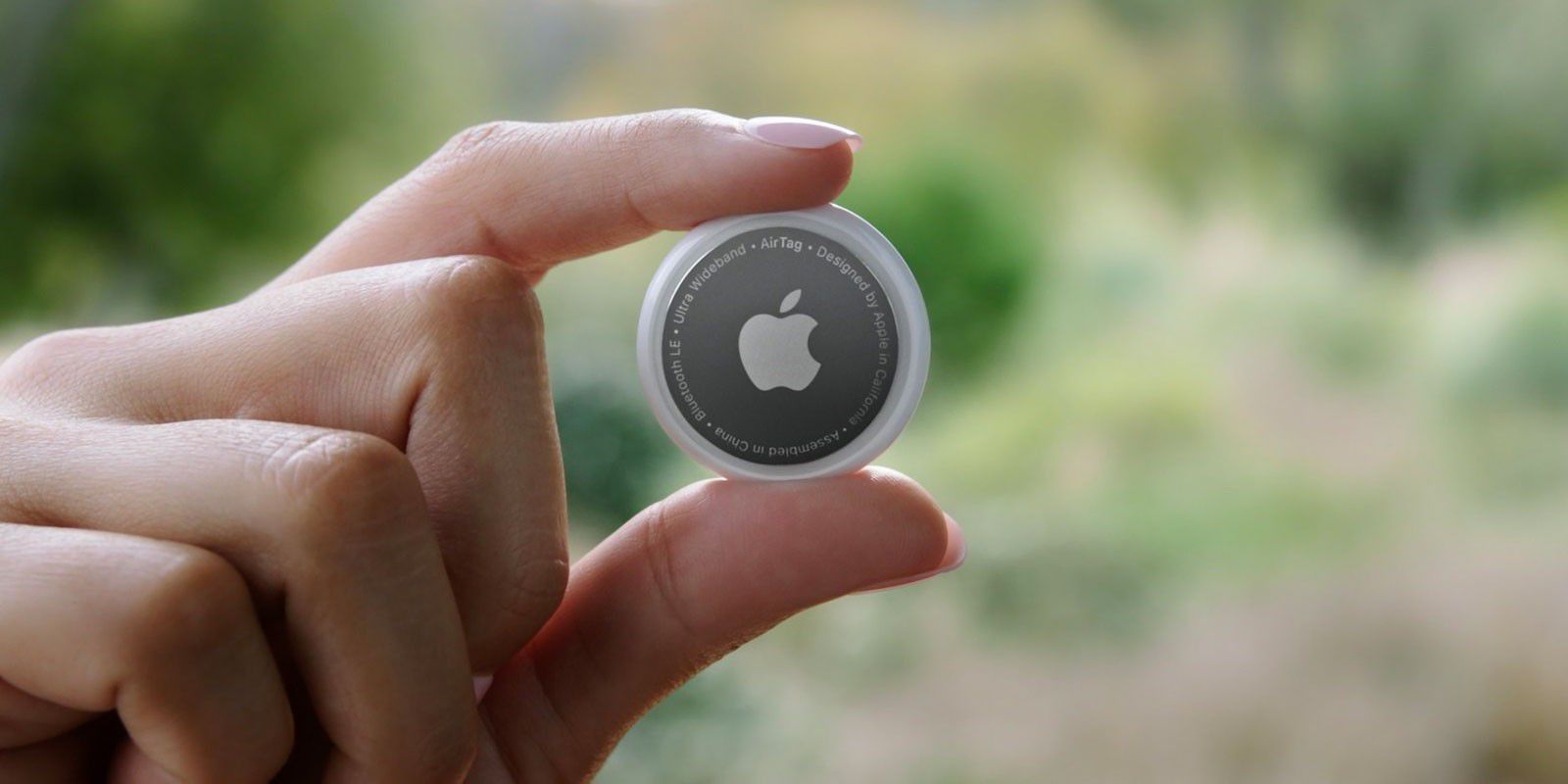
Losing track of your keys, laptop bag, or other vital items is a massive pain—and all too easy to do if you’re often out and about on campus. You can avoid this fate by attaching a Bluetooth tracker, like an Apple AirTag or Ugreen Finder Duo, to your high-priority gear. It avoids a lot of headache when you’re too stressed to recall your movements.
Power bank
Anker
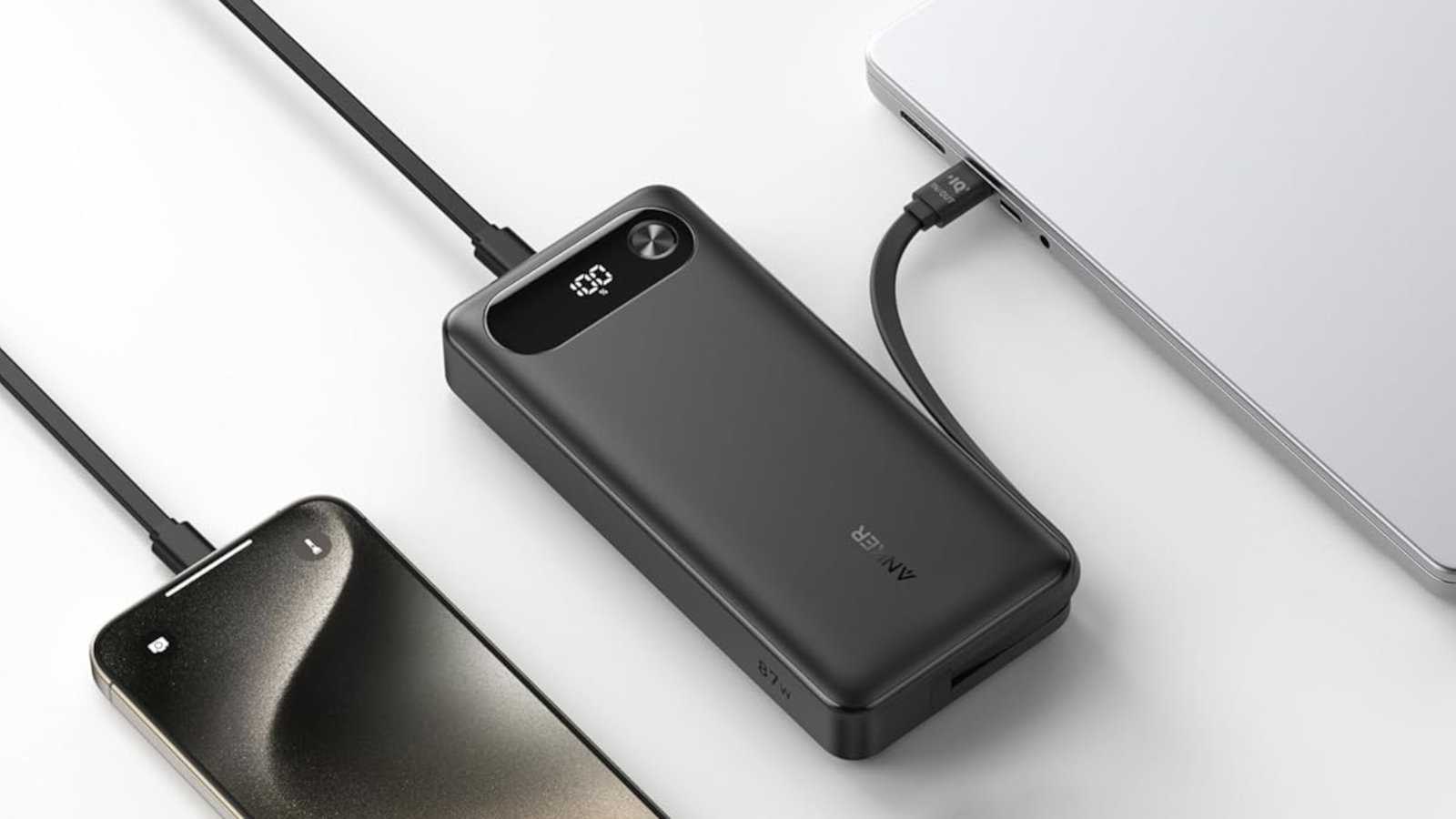
At college, you’re pretty much guaranteed to be stuck away from power outlets for too long. That’s why a portable power bank is essential, one that’s large and fast enough to charge your phone and laptop. The Anker A1383 Power Bank is a strong pick, not only because it has 65W single-device fast-charging, and not only because it has three ports for your phone and other devices, and not only because it has a hefty 20,000mAh capacity, but because it has a built-in USB-C cable so you don’t have to worry about forgetting a separate cable.
Printer
Mark Pickavance
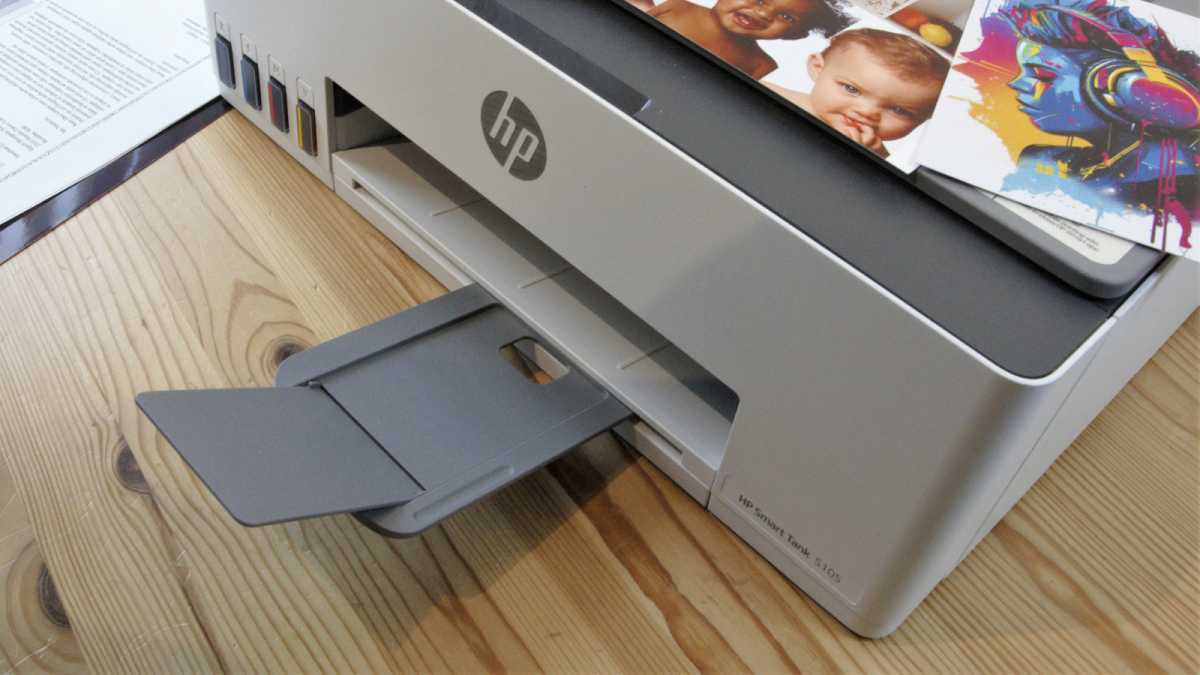
A printer may seem like a relic of yesteryear, but you’ll still have to print documents occasionally. Sure, you can use a campus computer room, but they’re not always open at all hours, and some schools charge per page. This portable Canon printer won’t take up much space and allows you to print whenever you want in full color.
HDMI switcher
Fosmon / Amazon
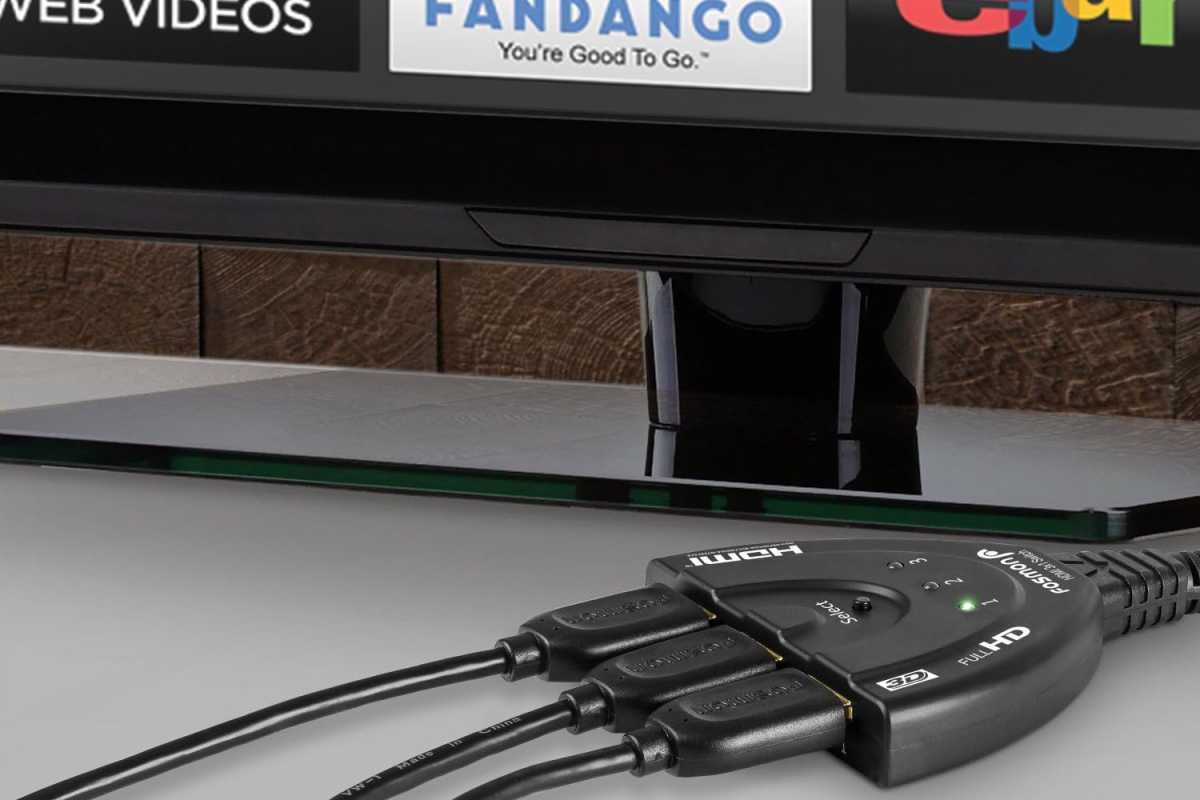
An HDMI switcher solves two problems when connecting multiple devices to a single TV or monitor. One, you’re no longer limited by the number of built-in ports. Two, it eliminates the tediousness of pressing multiple buttons on your remote to change devices. Everything routes through the switcher, which takes up just one port on your display and auto-switches between active devices. A 3-port HDMI switcher is usually sufficient, but you can step up to a 5-port model for more gear.
Ergonomic mouse and/or keyboard
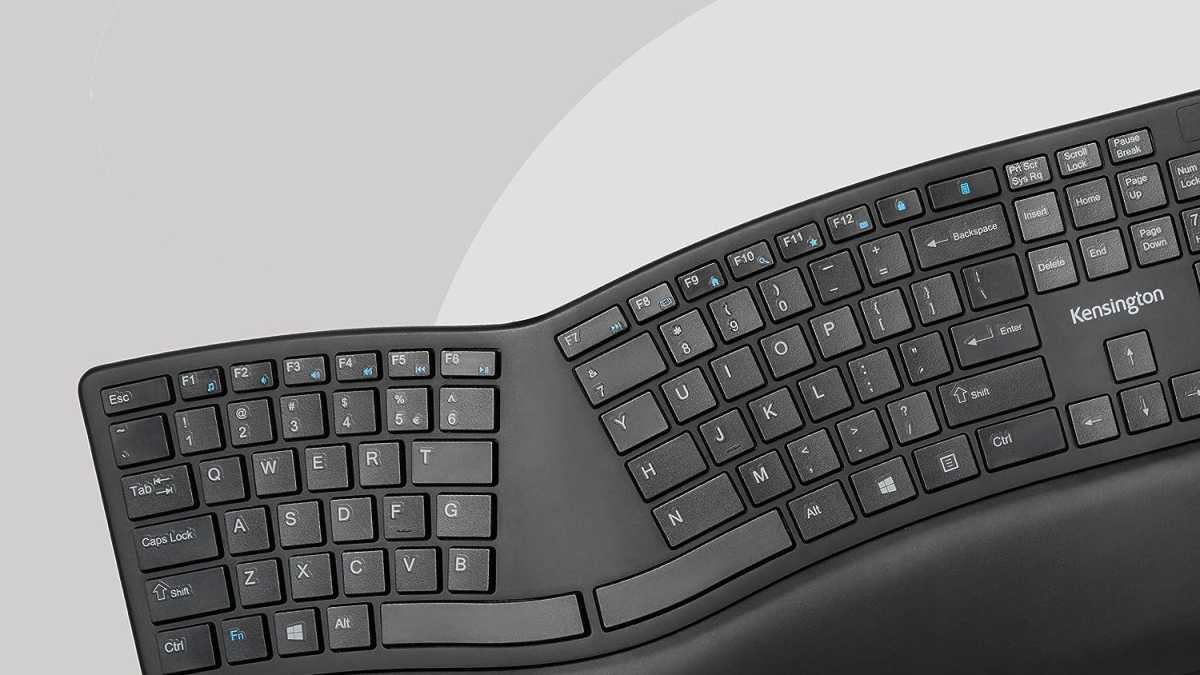
Kensington / Amazon
Repetitive stress injuries suck. If you’re on your PC all the time, ergonomic peripherals can ward off future suffering. A simple wireless vertical mouse starts as low as $30, with alternatives like the Logitech Lift available for those with smaller hands. The trick is to take breaks regularly and, if you can afford to, swap the type of mouse you use every so often. Same goes for your keyboard—even a basic split keyboard model will keep your hands and wrists in a more natural position.
